> ## Documentation Index
> Fetch the complete documentation index at: https://docs.droxy.ai/llms.txt
> Use this file to discover all available pages before exploring further.
# Datasources
> Learn about the various knowledge datasources for your agents.
 ## Overview
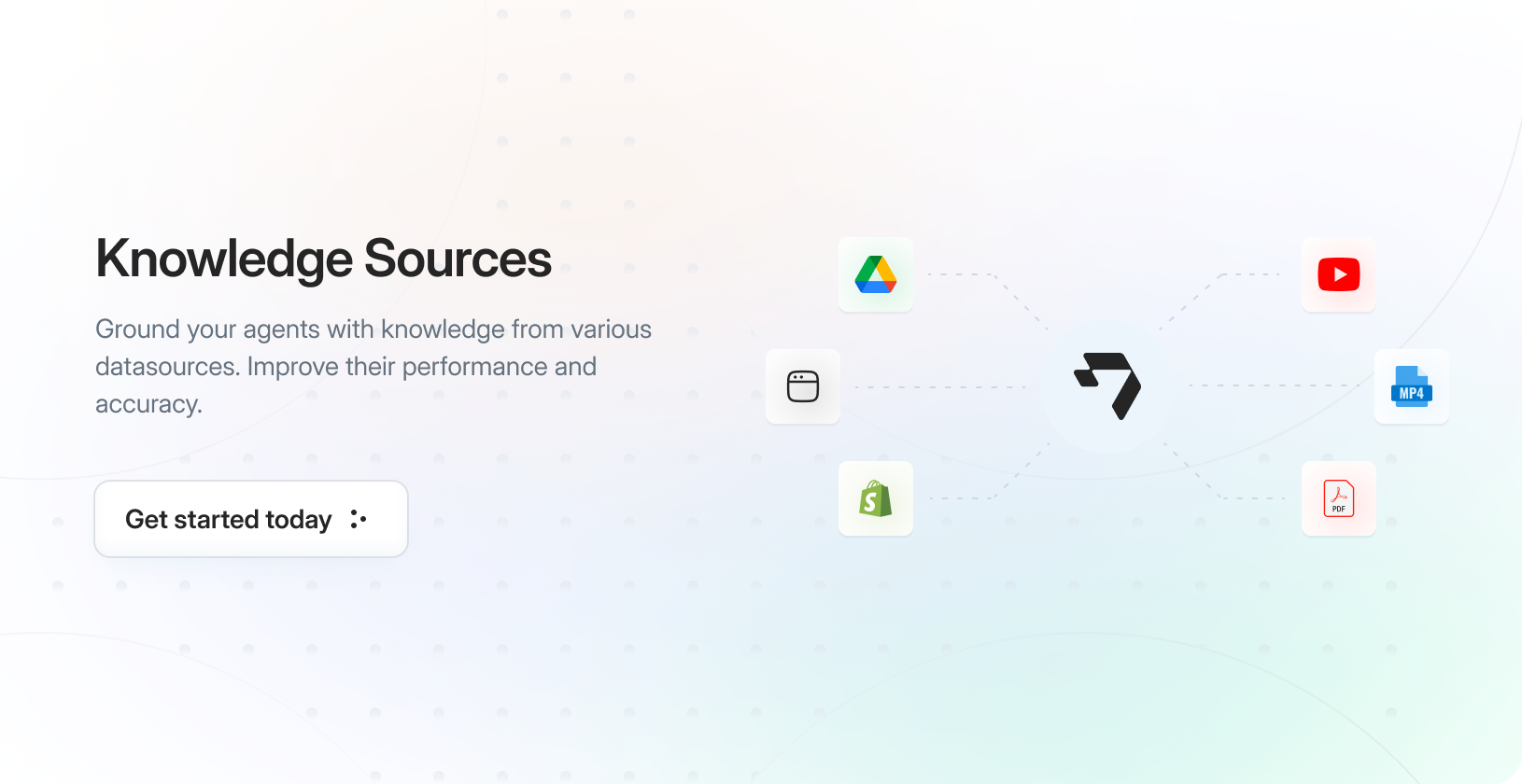
Business knowledge is typically distributed across numerous different sources. That's why we've developed multiple integrations and support various file formats, enabling you to import as much knowledge as possible into Droxy for use with your agents.
## Adding Knowledge Sources
To import a knowledge item:
1. Navigate to the **Knowledge** tab in your Droxy dashboard
2. Click the **+Add** button in the top right corner
## Overview
Business knowledge is typically distributed across numerous different sources. That's why we've developed multiple integrations and support various file formats, enabling you to import as much knowledge as possible into Droxy for use with your agents.
## Adding Knowledge Sources
To import a knowledge item:
1. Navigate to the **Knowledge** tab in your Droxy dashboard
2. Click the **+Add** button in the top right corner
 3. A modal will appear allowing you to select your knowledge source type and upload it:
Note that you don't have to add one knowledge item at a time. You can add multiple items at once.
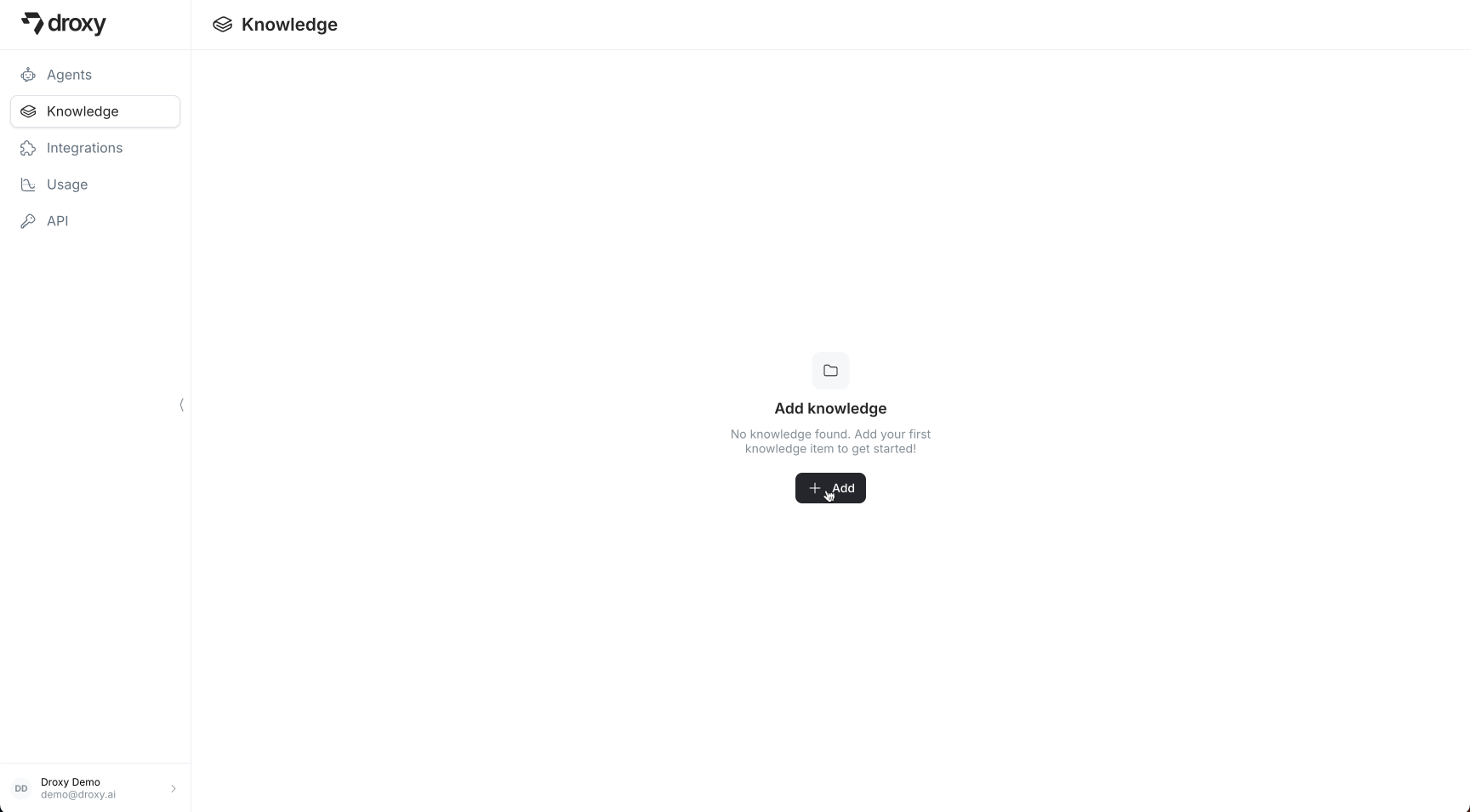
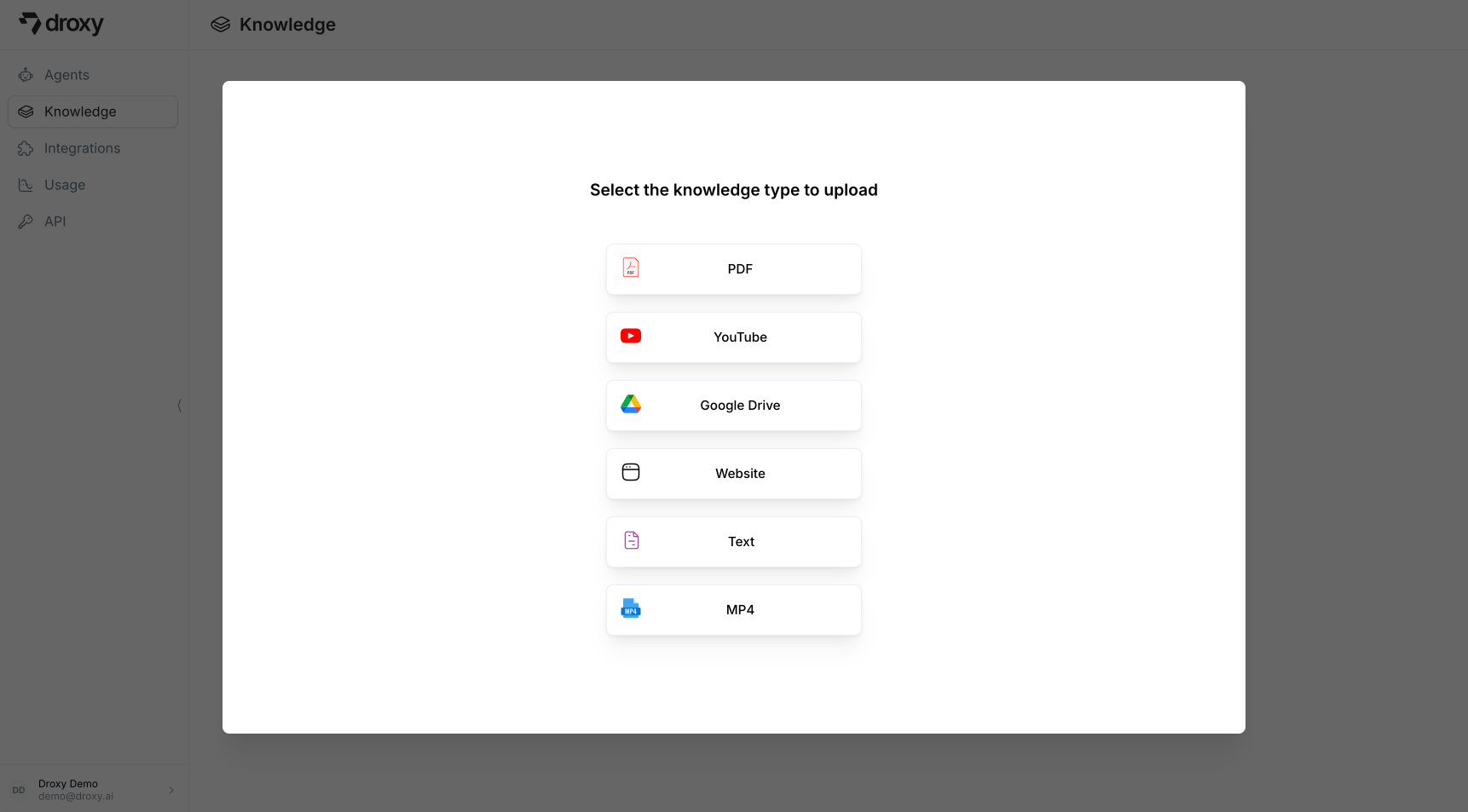
3. A modal will appear allowing you to select your knowledge source type and upload it:
Note that you don't have to add one knowledge item at a time. You can add multiple items at once.
 ## Supported Datasources
### PDF
PDF documents are a common source of business knowledge. Our PDF processor extracts text content from your PDF files while maintaining the original structure and formatting.
Upload Requirements:
* Upload up to 5 PDF files simultaneously
* Maximum total upload size: 1000MB per batch
Important requirements for PDF processing:
* PDFs must contain selectable text (you should be able to highlight and copy text)
* Images within PDFs are not processed or extracted
* Scanned PDFs without text recognition cannot be processed
### YouTube
You can add YouTube content in two ways:
1. Paste a direct video link
2. Search for videos directly in the modal and then select the ones you want to add
## Supported Datasources
### PDF
PDF documents are a common source of business knowledge. Our PDF processor extracts text content from your PDF files while maintaining the original structure and formatting.
Upload Requirements:
* Upload up to 5 PDF files simultaneously
* Maximum total upload size: 1000MB per batch
Important requirements for PDF processing:
* PDFs must contain selectable text (you should be able to highlight and copy text)
* Images within PDFs are not processed or extracted
* Scanned PDFs without text recognition cannot be processed
### YouTube
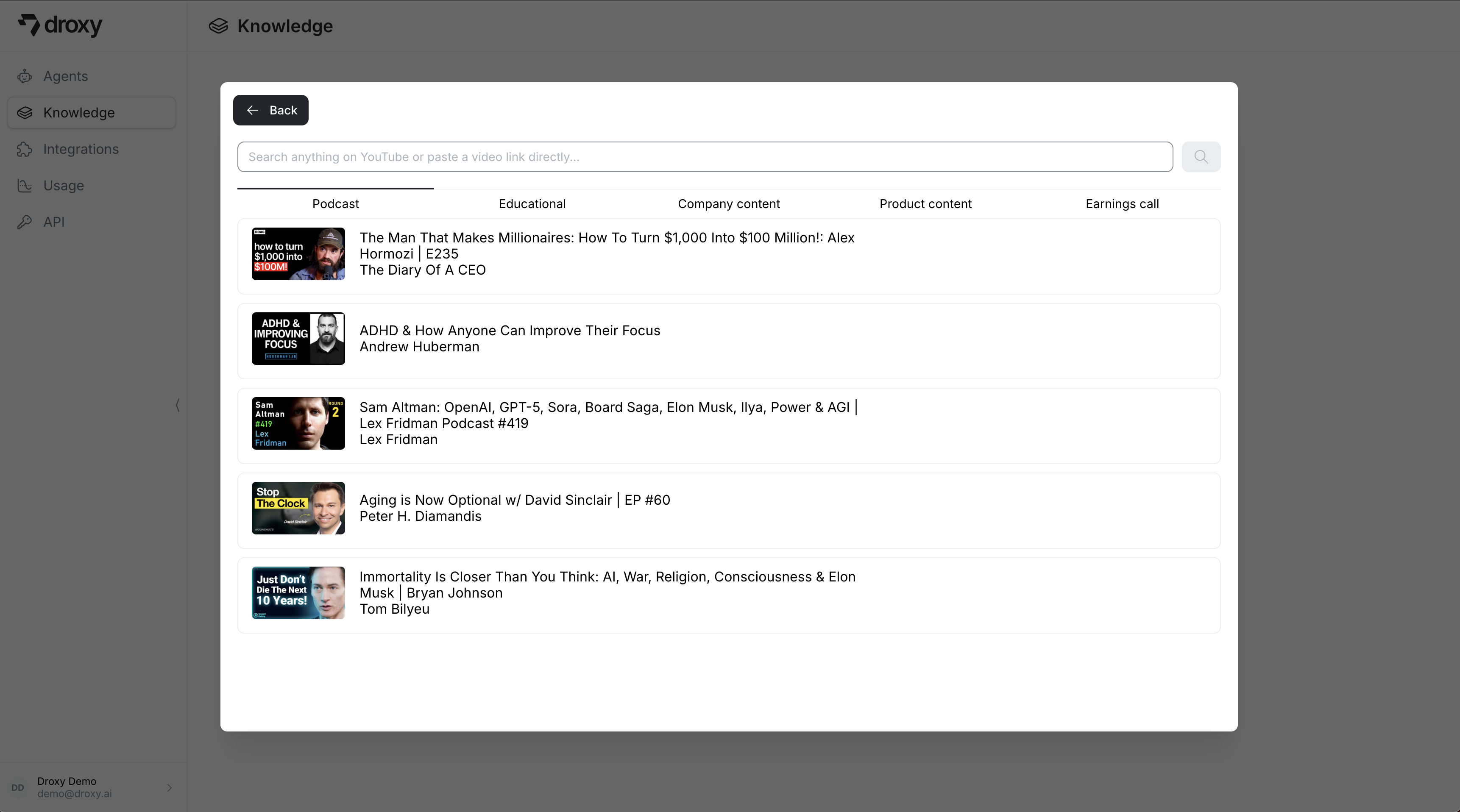
You can add YouTube content in two ways:
1. Paste a direct video link
2. Search for videos directly in the modal and then select the ones you want to add
 ### Google Drive
1. Connect your Google Drive account
2. Select individual files or entire folders to import
3. Content will be automatically processed and added to your knowledge base
### Website
Import knowledge from websites in two ways:
### Google Drive
1. Connect your Google Drive account
2. Select individual files or entire folders to import
3. Content will be automatically processed and added to your knowledge base
### Website
Import knowledge from websites in two ways:
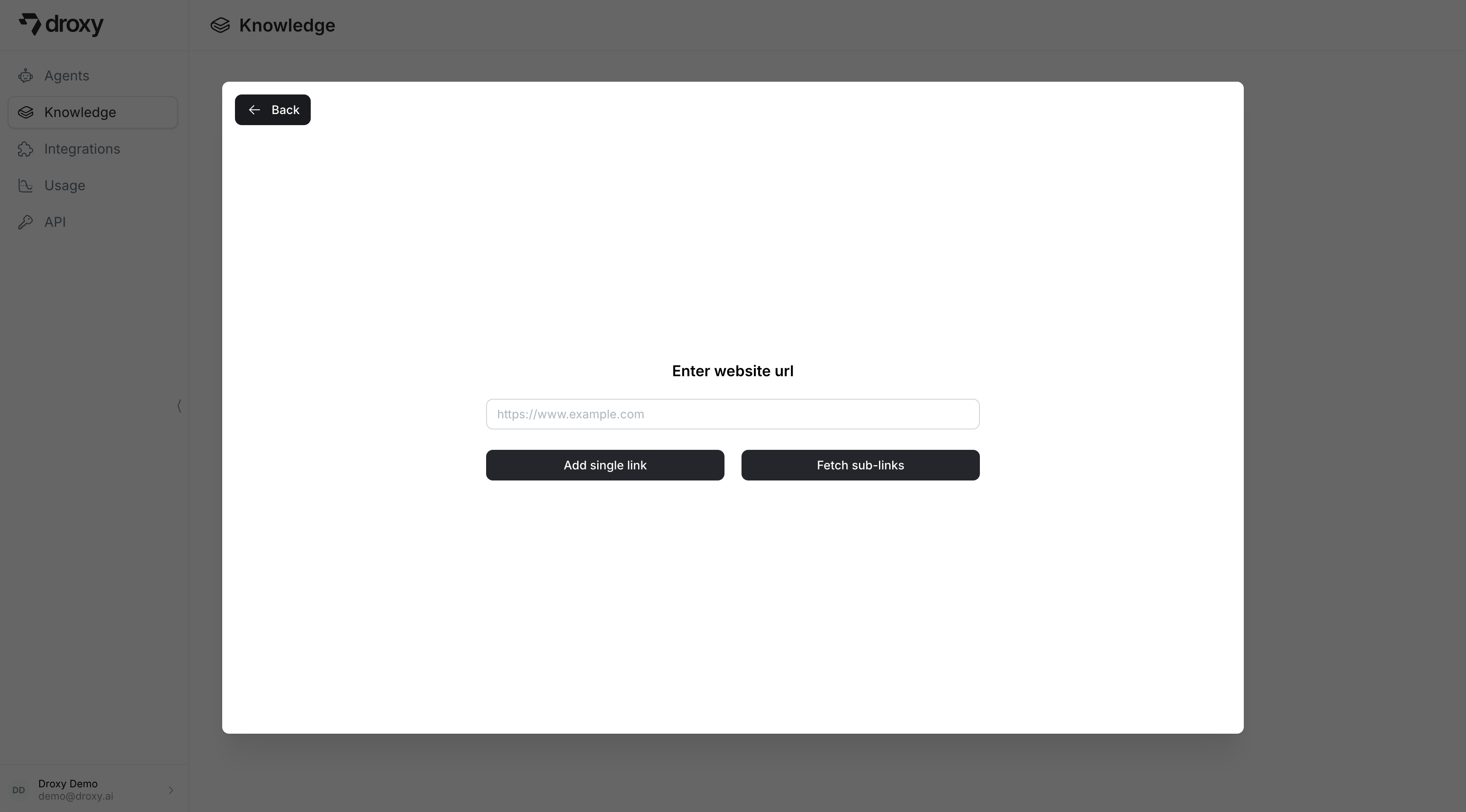 1. **Single Link**: Add a specific URL and click **Add single Link**
2. **Crawl Website**: Extract content from multiple pages
* Enter the root URL (e.g., `https://www.droxy.ai`)
* Click **Fetch sub-links** to discover all available pages
* For sites with a sitemap, links will be automatically fetched
1. **Single Link**: Add a specific URL and click **Add single Link**
2. **Crawl Website**: Extract content from multiple pages
* Enter the root URL (e.g., `https://www.droxy.ai`)
* Click **Fetch sub-links** to discover all available pages
* For sites with a sitemap, links will be automatically fetched
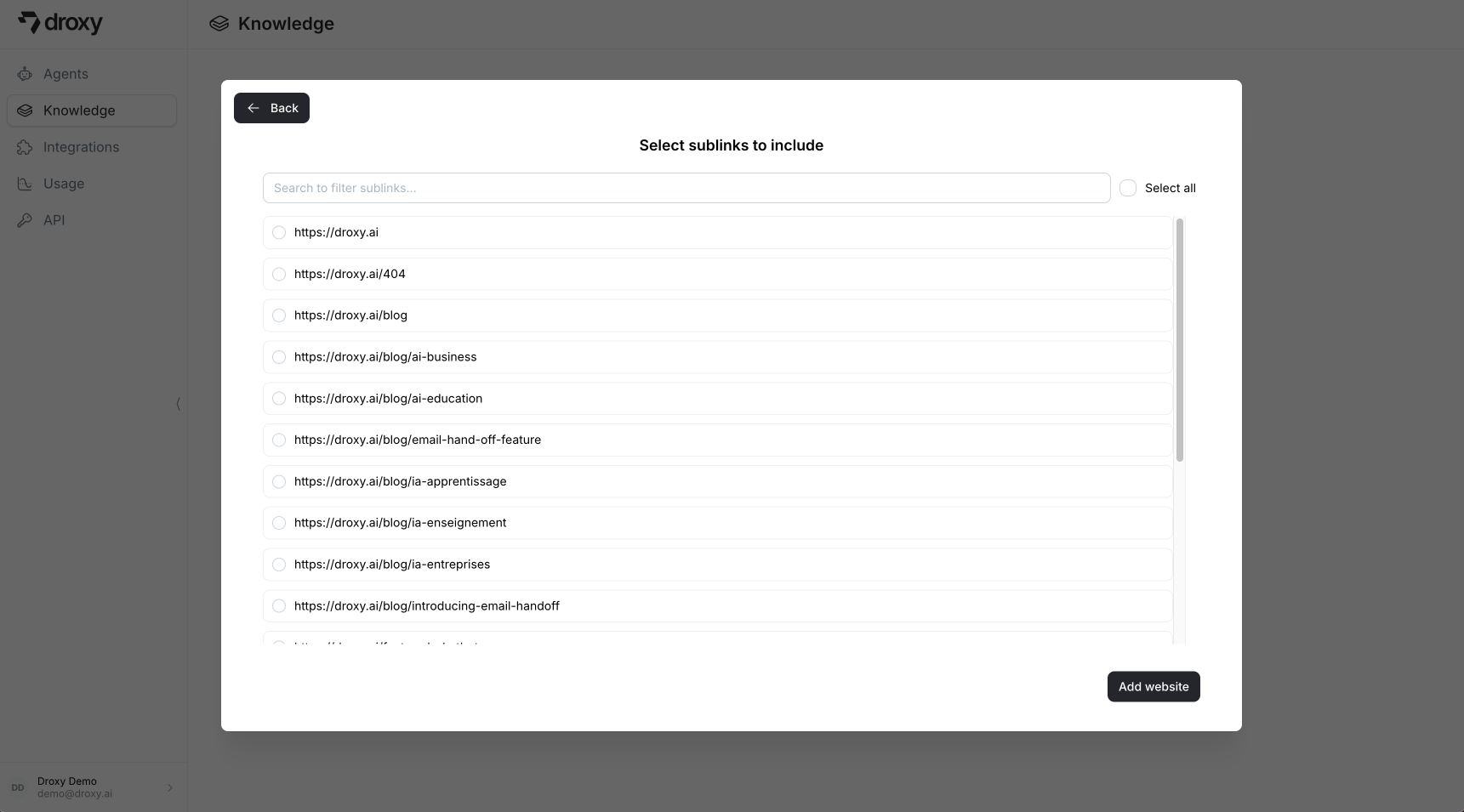 After fetching, you can:
* Select specific URLs or use **Select All**
* Click **Add website** followed by **Upload** to import content
After fetching, you can:
* Select specific URLs or use **Select All**
* Click **Add website** followed by **Upload** to import content
 ### Text
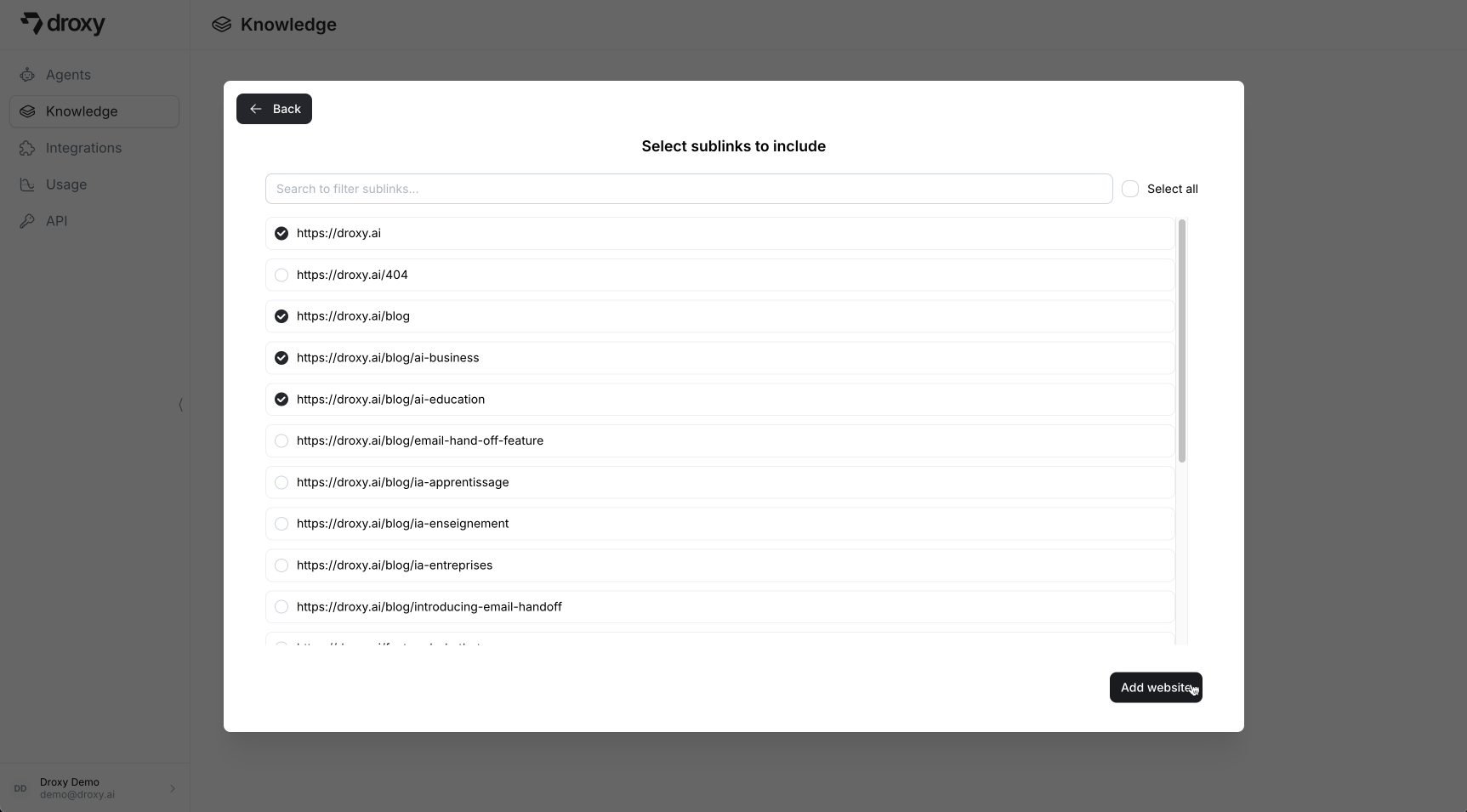
For content not available in other formats, use direct text input:
* Paste raw text directly into the interface
* Perfect for custom or unique knowledge sources
### Text
For content not available in other formats, use direct text input:
* Paste raw text directly into the interface
* Perfect for custom or unique knowledge sources
 ### MP4
Upload video files directly to add them as knowledge sources. Droxy automatically extracts audio from the video, transcribes it, and converts it into usable knowledge for your agent:
Upload Requirements:
* Maximum duration: 120 minutes
* Maximum file size: 1000MB
* Supported format: MP4 only
For best results:
* Use clear audio with minimal background noise
* Record with a high-quality microphone
* Avoid multiple speakers talking at once
### MP4
Upload video files directly to add them as knowledge sources. Droxy automatically extracts audio from the video, transcribes it, and converts it into usable knowledge for your agent:
Upload Requirements:
* Maximum duration: 120 minutes
* Maximum file size: 1000MB
* Supported format: MP4 only
For best results:
* Use clear audio with minimal background noise
* Record with a high-quality microphone
* Avoid multiple speakers talking at once