> ## Documentation Index
> Fetch the complete documentation index at: https://docs.droxy.ai/llms.txt
> Use this file to discover all available pages before exploring further.
# Introduction
> Explore Droxy API with our guides and API reference
Droxy API is accessible for users with an Advanced tier subscription or higher. For detailed pricing information and to find the tier that's right for you, please visit our [pricing page](https://www.droxy.ai/pricing).
## Create an API key
In order to authenticate your requests, you will need to create an API key first. You can do so by following the steps below:
1. Navigate to the [Dashboard](https://app.droxy.ai) and click on the `API` tab.
2. Click on the `+ Add` button to create a new API key.
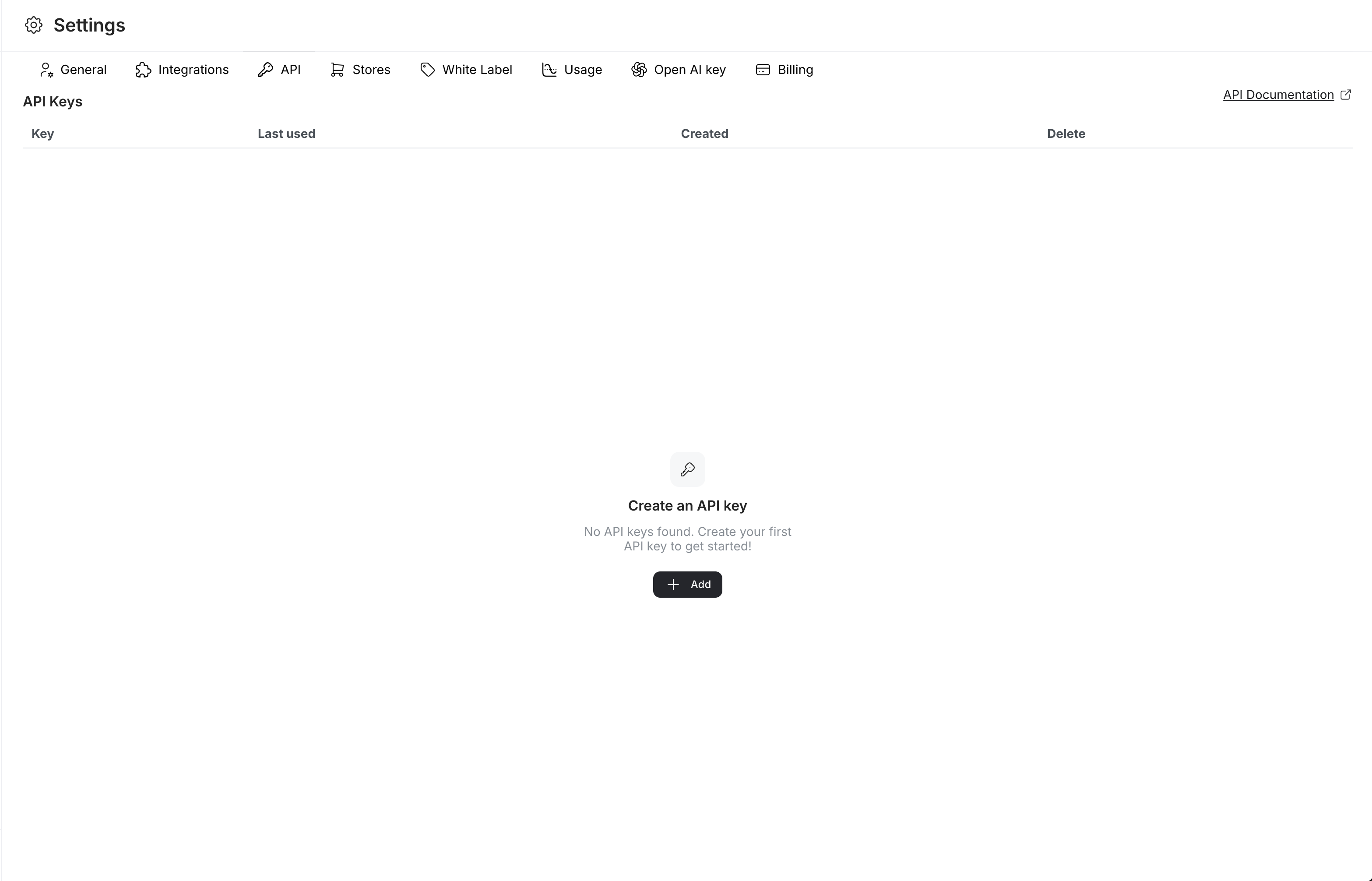 3. A new key will be generated for you. Make sure to **copy it as it won't be fully visible once you close the modal**.